Printer driver availability states
A vocabulary for available, unavailable, partial, and mismatched printer-driver relationships.
Availability is a relationship
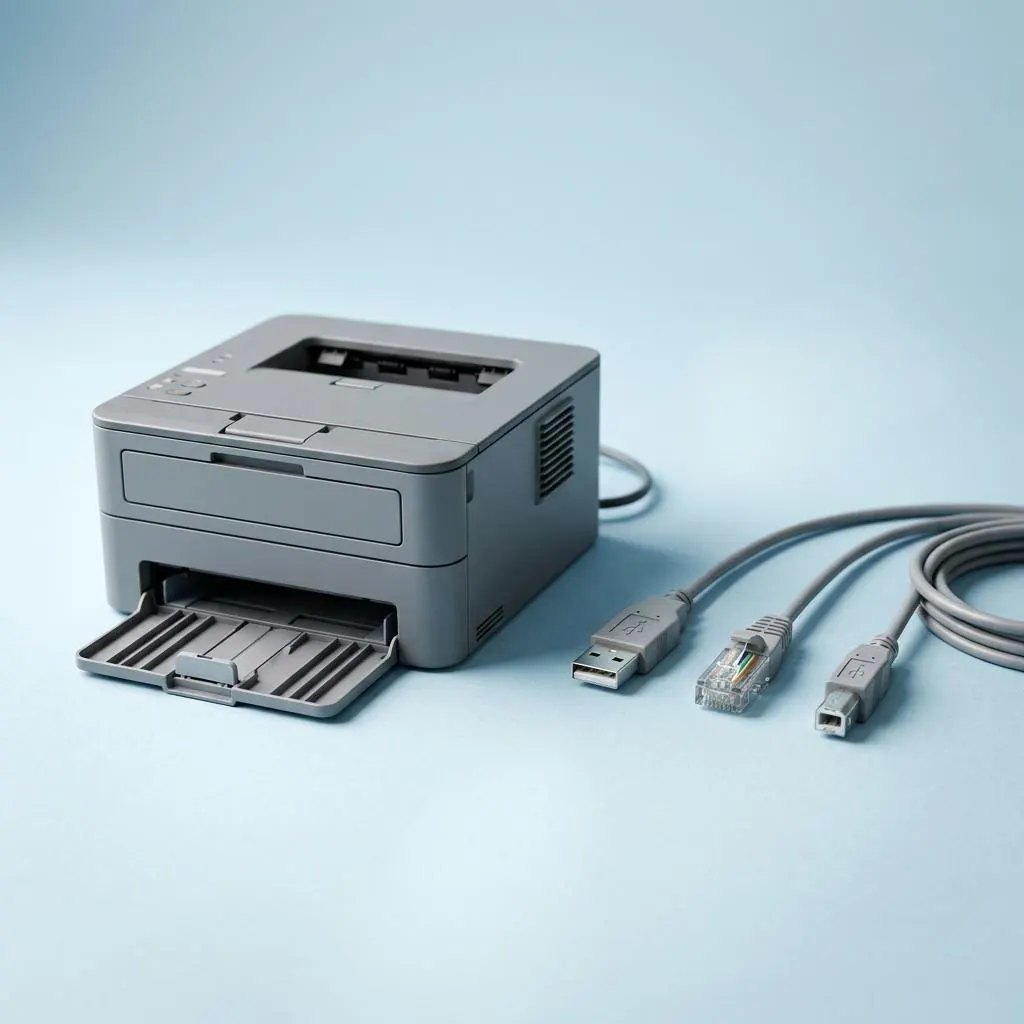
A driver is “available” only relative to a device identity, host platform, architecture, transport, and declared feature set. A package can exist in a catalog yet be unavailable for a particular relationship, so existence and applicability should not be treated as synonyms.
Kinds of unavailable state
An unavailable state can mean that no matching package metadata exists, that a package does not target the platform, that the interface is not exposed, or that only a generic representation is present. “Unavailable” is therefore a category of states rather than one error diagnosis.
Partial availability
A standard class path may represent basic printing while leaving vendor-specific configuration outside the exposed interface. Conversely, a vendor package may describe printing but not a separate scanner or utility role. The visible capability boundary matters.
Evidence to record
Useful reference evidence includes the model identifier, protocol, package name, architecture, version identity, and feature declarations. This page does not prescribe tests, repairs, or a sequence of actions; it defines the terms needed to read documentation.
Reference facts
- Key distinction
- Package existence is not the same as relationship applicability
- Possible state
- Absent, mismatched, partial, generic, or fully represented
- Evidence
- Device identity, platform, protocol, package metadata, and capabilities
Questions and answers
Can a printer be usable when its vendor package is unavailable?
A standard class or protocol path may expose a narrower interface. That is a partial representation, not proof that every vendor feature is present.
Does unavailable identify the cause?
No. It describes a relationship state. The relevant evidence must be read from device identity, package metadata, platform, and interface declarations.
Further reading
- Microsoft Learn: Printer architecture — external official source
- Microsoft Learn: Introducing the IPP inbox class driver — external official source
- Printer driver unavailable message state reference — A descriptive reference to the printer driver unavailable message, separating queue, connection, package, compatibility, and capability states.
- Network printer connection states — A layered vocabulary for discovery, addressing, protocol sessions, queues, and network printer state.
- Offline printer state reference — What an offline label can mean across queues, ports, protocols, and device-reported status.
- General printer status and error-state reference — A structured vocabulary for printer status labels, error records, emitting layers, and state transitions.
- Printer driver compatibility states — How model, platform, architecture, protocol, package, and capability relationships produce compatibility states.
- Printer software and firmware lifecycle reference — The distinct lifecycles of host printer software, device firmware, package metadata, and capability declarations.
- Wireless printer connection states — How Wi-Fi link state, network discovery, protocol sessions, queues, and printer status differ.
- Print spooler and queue model reference — How the spooler, queues, print processors, renderers, and ports divide responsibility in a print path.
- USB printer connection states — A layered vocabulary for USB enumeration, printer interfaces, queues, packages, and print transport.