Printer driver reference
Last updated:
A neutral reference to printer driver layers, package identity, connections, and capability descriptions.
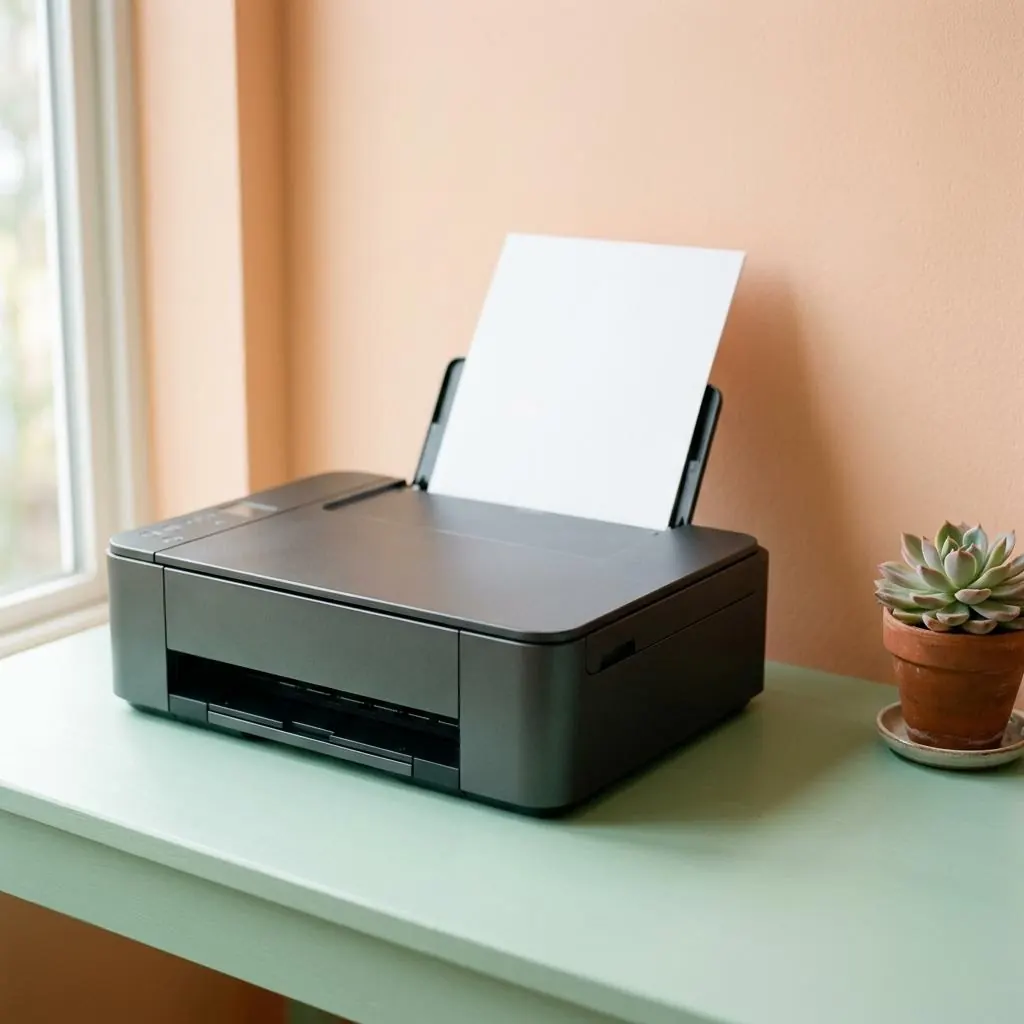
What a printer driver represents
A print job crosses several boundaries. The driver translates the work into the language and capabilities exposed by a printer. It does not act alone. An application, spooler, rendering component, port or transport, and the device itself can each own a different part of the path between the document and the paper.
Consider two physical examples. An inkjet may need a renderer that describes droplet placement, borderless media, and color channels, while a monochrome laser printer may expose toner, paper-bin, and finishing capabilities. The driver does not become the printhead, imaging unit, or paper path; it describes how host-side work is represented for those mechanisms.
Packages and identities
A package is a collection, not one file. It can contain an INF or equivalent metadata, binaries, catalogs, configuration descriptions, and sometimes separate rendering or scanning components. Model names help readers find a product. Hardware identifiers and compatibility declarations distinguish the software intended for it.
The identity record should stay as specific as the hardware. “Office printer” says little; a model family, exact model, interface, and declared feature set say considerably more. A multifunction enclosure can expose one identity for page output and another logical interface for its scanner, so a package name alone should not be treated as a complete description of the product.
Connection is a separate layer
USB, network, and service-based printing describe transport or discovery; they do not automatically describe the rendering language. A network printer may be represented through a standard protocol, a vendor-specific port, or a class path, so connection and driver identity should be kept as separate concepts.
A USB cable can carry a print stream without revealing whether the device expects a page-description language or a richer vendor representation. Likewise, a network address identifies a route to an endpoint, not the paper sizes, duplex unit, color model, or finishing options that the printer can expose. Transport answers “where”; the print interface answers “what.”
Reading a printer reference
The useful questions are which interface is exposed, which component renders the job, what metadata declares compatibility, and where configuration is stored. This page is descriptive: it does not distribute packages, identify hardware, or prescribe a repair sequence.
A useful record can therefore name the device identity, renderer, queue relationship, transport, and capability evidence separately. For example, a label printer may accept a narrow stream over USB, while a nearby office printer offers trays and finishing through a richer interface. Keeping those observations attached to their owners prevents a connection label or package title from carrying claims it cannot support.
Reference facts
- Primary boundary
- Host print abstractions to device-specific behavior
- Common transports
- USB, network protocols, and shared print services
- Package evidence
- Metadata, binaries, catalogs, capabilities, and version identity
Questions and answers
Is a printer driver the same as a printer connection?
No. A connection describes how data reaches an endpoint; a driver or class path describes how print data and capabilities are represented.
Does every printer require a unique vendor package?
No. Standard protocols and class-driver models can cover multiple devices, while other devices expose vendor-specific features that need additional package components.
Further reading
- Microsoft Learn: Printer architecture — external official source
- Microsoft Learn: Introducing the IPP inbox class driver — external official source
- Universal and generic printer driver reference — The difference between shared print representations, generic queues, and vendor-specific capability descriptions.
- Printer driver behavior and state reference — A vocabulary for queues, ports, renderers, status signals, and the boundaries between printer states.
- Wireless and network printer driver reference — How discovery, addressing, print protocols, queues, and rendering relate across a network printer path.