Computer Drivers
A reference overview of the separate platform, storage, graphics, audio, networking, input, and peripheral driver relationships that make up a computer.
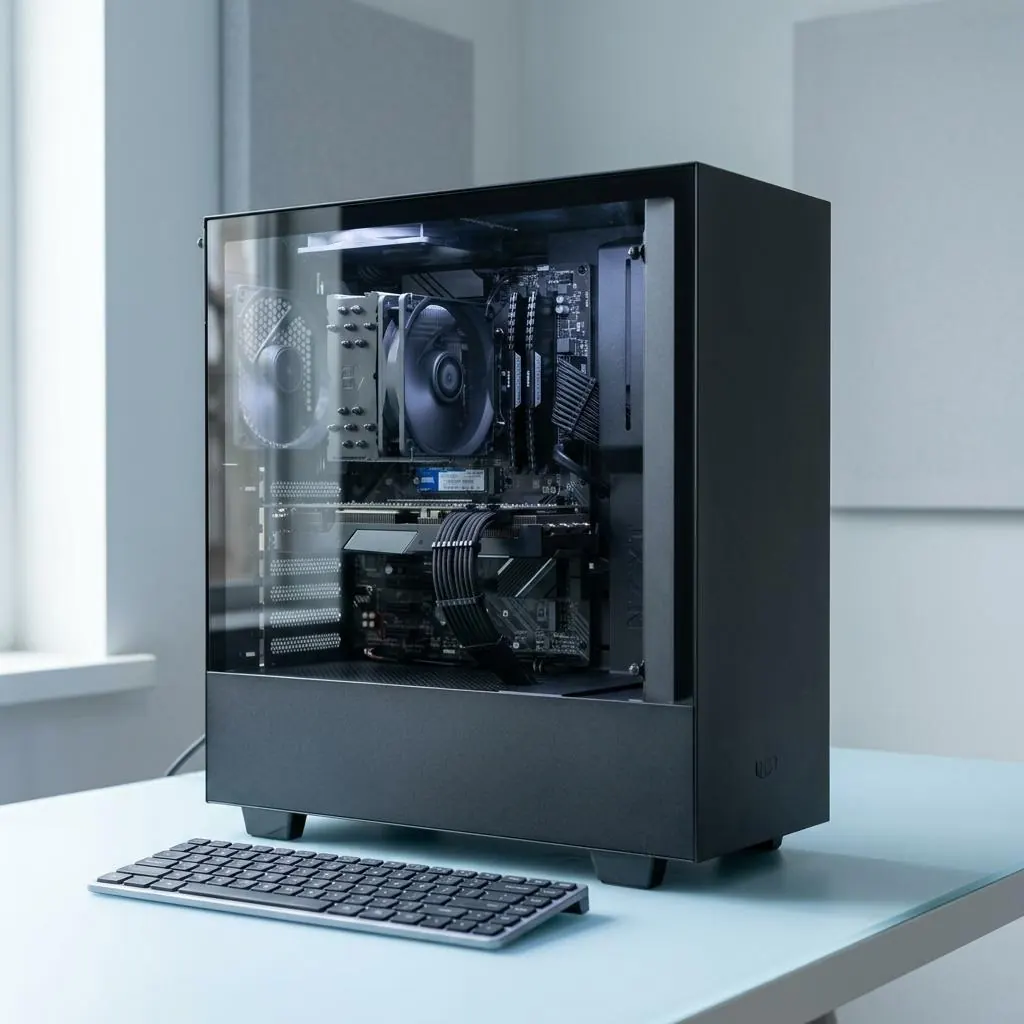
A computer has a driver collection
There is no single universal computer driver. A working computer coordinates a processor platform, memory controller, storage paths, graphics hardware, audio codec, network interface, input devices, and peripheral ports. Host-side driver layers translate the contracts for those parts, while shared class support can cover common hardware and vendor components can describe narrower capabilities.
Consider opening a photo saved on solid-state storage: a storage controller moves its data, the processor and memory hold working surfaces, the graphics hardware turns those surfaces into a frame, and a display connection carries timed output to a monitor. A desktop tower may add a graphics card or sound interface, while an all-in-one places those functions behind one enclosure. The product is one computer, but its component relationships remain distinct.
Everyday work crosses several layers
A video call can involve camera capture, keyboard or touch input, audio capture and playback, graphics composition, a network adapter, storage, and power-management paths at the same time. Opening a local project, attaching a peripheral, or waking from sleep can cross a different set of interfaces. A visible result therefore identifies a workflow boundary before it identifies one package.
The relationships are easy to see in ordinary use. A headset can add both an audio endpoint and a microphone, a USB hub can expose storage and input functions, and a printer can receive a rendered page through a queue while the display shows other work. The processor, memory, buses, and power controller coordinate these exchanges; none of those examples is represented by one all-purpose driver record.
Compatibility belongs to a relationship
Device identifiers, revisions, host-interface contracts, architecture, package declarations, signatures, and board design all contribute to compatibility. Two computers with the same product-family name can expose different storage controllers, wireless adapters, or graphics variants. Conversely, many standards-based keyboards, mice, and storage devices can share common support because their interfaces follow a known contract.
The physical connection is part of the relationship too. A PCIe graphics card, a USB audio interface, and an audio codec built into a board do not present the same host boundary, even when they serve a similar purpose. A package record can identify one revision and interface without describing a neighboring model, the cable attached to it, or every capability in the surrounding computer.
Read records by their owner
A package catalog, selected device relationship, running component, firmware record, application route, and physical connection answer different questions. Keeping those records separate makes a package transition, detection state, or version claim easier to interpret without promising a result. The computer overview is most useful when each observation keeps its component name and scope.
For example, a firmware record belongs to code stored near a board or device, a driver record belongs to the host-side interface, and an application route describes how a person selects a camera, speaker, or printer. A cable, port, battery state, or enclosure is physical context rather than proof of a package identity. These boundaries explain why one computer can show several valid records for one everyday task.
Reference facts
- Component families
- A computer coordinates platform, storage, graphics, audio, network, input, and peripheral paths, each with its own interface boundary.
- Compatibility inputs
- Identity, revision, connection, platform, architecture, declarations, and trust metadata establish a particular relationship.
- Reference boundary
- Package, runtime, firmware, application, and physical records describe different owners rather than one universal computer state.
Questions and answers
Does a computer use one main driver?
No. It uses many device, class, bus, and platform components, so storage, graphics, audio, networking, input, and ports can have different responsibilities.
Why can a device work without a visible vendor driver?
A shared class component may provide support for a standardized interface. The support relationship still exists, but it is not necessarily a model-specific package.
Does a computer driver control every result on the machine?
No. Applications, permissions, power, storage, cables, services, firmware, and physical hardware can sit outside a particular driver relationship.
Further reading
- Microsoft Learn: What is a driver? — external official source
- Microsoft Learn: Driver packages — external official source
- Microsoft Learn: Overview of device and driver installation — external official source
- Microsoft Learn: Driver ranking — external official source
- System driver updates: lifecycle reference — A reference map for identifying a computer component, comparing package records, and separating a driver change from firmware or hardware changes.
- Device-driver update lifecycle reference — A platform-neutral map of candidate packages, selection, staging, activation, and retained records.
- Driver compatibility and version reference — How hardware identity, release scope, and version fields define a driver package’s compatibility boundary.
- Printer software and firmware lifecycle reference — The distinct lifecycles of host printer software, device firmware, package metadata, and capability declarations.
- Software updater tools: role and boundaries — A descriptive map of updater tools, their inputs, and the boundary between cataloging and device management.
- Automatic driver updater software: ecosystem reference — How automatic updater software fits among platform catalogs, vendor packages, matching records, and trust metadata.
- Computer and printer driver relationship — The boundary between a computer’s device-driver model and the printer-specific software layers above a connection.
- Driver rollback and package replacement lifecycle — A conceptual account of package succession, retained records, and rollback as distinct lifecycle states.
- Missing and undetected device-driver states — A vocabulary for separating hardware enumeration, identity matching, package selection, and runtime availability.