Display and graphics drivers
A hardware-focused overview of rendering, graphics memory, display timing, monitor connections, and the separate records that describe a visual output path.
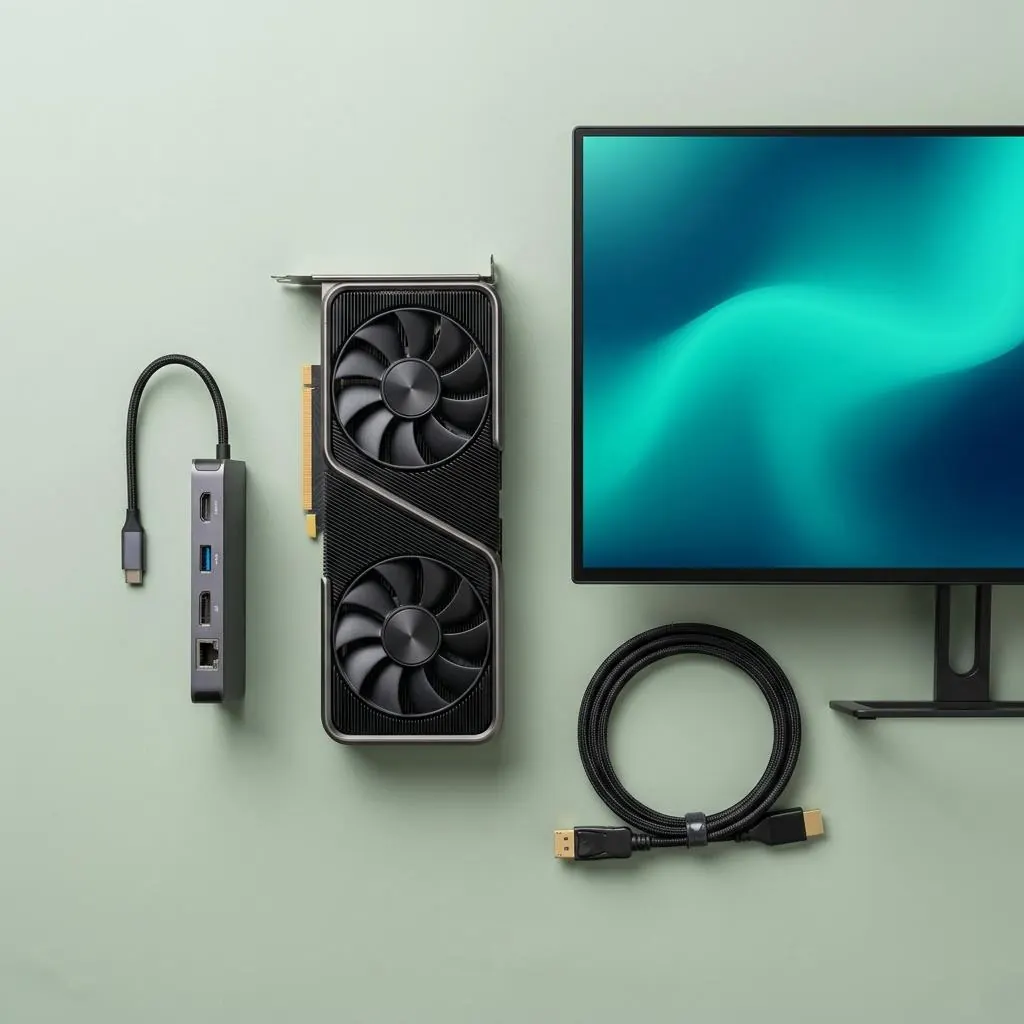
Graphics and display describe different layers
Graphics hardware renders or schedules image work, while a display path carries timed pixel data to a monitor or another output sink. A graphics adapter, graphics driver, display engine, connector, monitor, and mode model can each have a distinct role. Calling all of them “the display” is convenient for everyday conversation, but it hides which component owns rendering, memory, timing, or physical output.
A web page, photograph, or game frame illustrates the relationship. The processor and graphics adapter prepare image surfaces, graphics memory holds textures and finished frames, and the display pipeline reads those surfaces in a timed sequence. The monitor does not render that work; it receives a signal and turns it into light. A laptop panel, desktop monitor, projector, and dock-connected screen can therefore be different sinks for related graphics work.
Rendering depends on graphics memory and engines
Graphics memory stores image surfaces and intermediate data close to the graphics engine, while system memory and the processor can supply additional data. The graphics driver exposes commands, manages memory relationships, schedules work, and presents capabilities through defined interfaces. These responsibilities describe the adapter side of the path rather than the monitor’s physical panel.
When a person drags a window, edits a photo, or watches a video, the visible frame may combine several surfaces before it reaches an output. A discrete graphics card may have dedicated memory, while integrated graphics can use memory associated with the broader platform. Those hardware arrangements change the rendering relationship, but neither one identifies a monitor, connector, timing mode, or complete output capability by itself.
Timing and monitor connection shape output
A display mode combines dimensions, refresh behavior, color representation, timing, and transport constraints. The graphics adapter and driver generate a stream, the connector carries it, and the monitor reports identity or capability data through the display path. HDMI, DisplayPort, USB display functions, docks, and other connections can place different components between the adapter and the visible panel.
The monitor connection is therefore a relationship rather than a simple cable label. A monitor can report a preferred mode and timing range, while the graphics path contributes memory, output engines, connector limits, and scheduling. A dock may present a separate display function alongside USB, audio, and network interfaces. The final output is the result of those capabilities meeting at one path, not a property of one package number.
Read capabilities at their owner boundary
A graphics package can identify an adapter, architecture, memory model, runtime interface, and display components. A monitor identity record can describe a product, serial information, timing characteristics, and sink capabilities. A connector or dock record describes transport topology, while a mode record describes a selected timing and pixel representation. Each is useful evidence, but none is the entire display stack.
This separation makes everyday examples easier to describe. A graphics card can be present without a monitor connected, a monitor can be identified through a dock, and a mode can change while the physical panel remains the same. The graphics adapter, display path, monitor, cable or dock, and rendering application cooperate without becoming one object. Keeping those boundaries visible prevents a rendering capability from being confused with an output capability.
Reference facts
- Rendering boundary
- Graphics adapters and engines prepare frames while graphics memory holds surfaces and working data.
- Output boundary
- A display path carries timed pixel data through a connector, dock, or display function to a monitor or other sink.
- Timing record
- A display mode combines dimensions, refresh behavior, color, timing, and transport constraints.
- Identity boundary
- GPU, package, graphics memory, connector, monitor, and mode records describe related but distinct objects.
Questions and answers
Is a graphics driver the same as a monitor driver?
No. Graphics components represent the adapter, rendering, memory, and display pipeline, while monitor records describe the connected display sink and its capabilities.
Does graphics memory store the monitor image?
It can hold frame surfaces and intermediate rendering data that become output, but the monitor remains a separate sink that receives a timed display stream.
Does a compatible graphics adapter guarantee every monitor mode?
No. Mode availability depends on the adapter, graphics path, connector or dock, monitor capabilities, timing, and the relationships between them.
Further reading
- Microsoft Learn: Display drivers — external official source
- Microsoft Learn: Monitor INF files — external official source
- Microsoft Learn: GPU virtual memory — external official source
- Graphics and display driver lifecycle — The graphics adapter, display stack, package, monitor, and runtime layers across a display-driver lifecycle.
- Display package removal and recovery lifecycle — A conceptual view of graphics package removal, retained records, display-path reconstruction, and recovery boundaries.
- GPU identification and driver compatibility — How GPU identity, architecture, hardware contracts, package declarations, and display interfaces establish compatibility.
- Monitor driver and display reference — What monitor identification, INF metadata, capabilities, display modes, and graphics components each describe.