HP scanning software and package reference
Independent educational content. Driver Atlas is not affiliated with or endorsed by HP. Product names and trademarks belong to their owners.
The roles of HP scanner software, acquisition interfaces, applications, and printer package metadata.
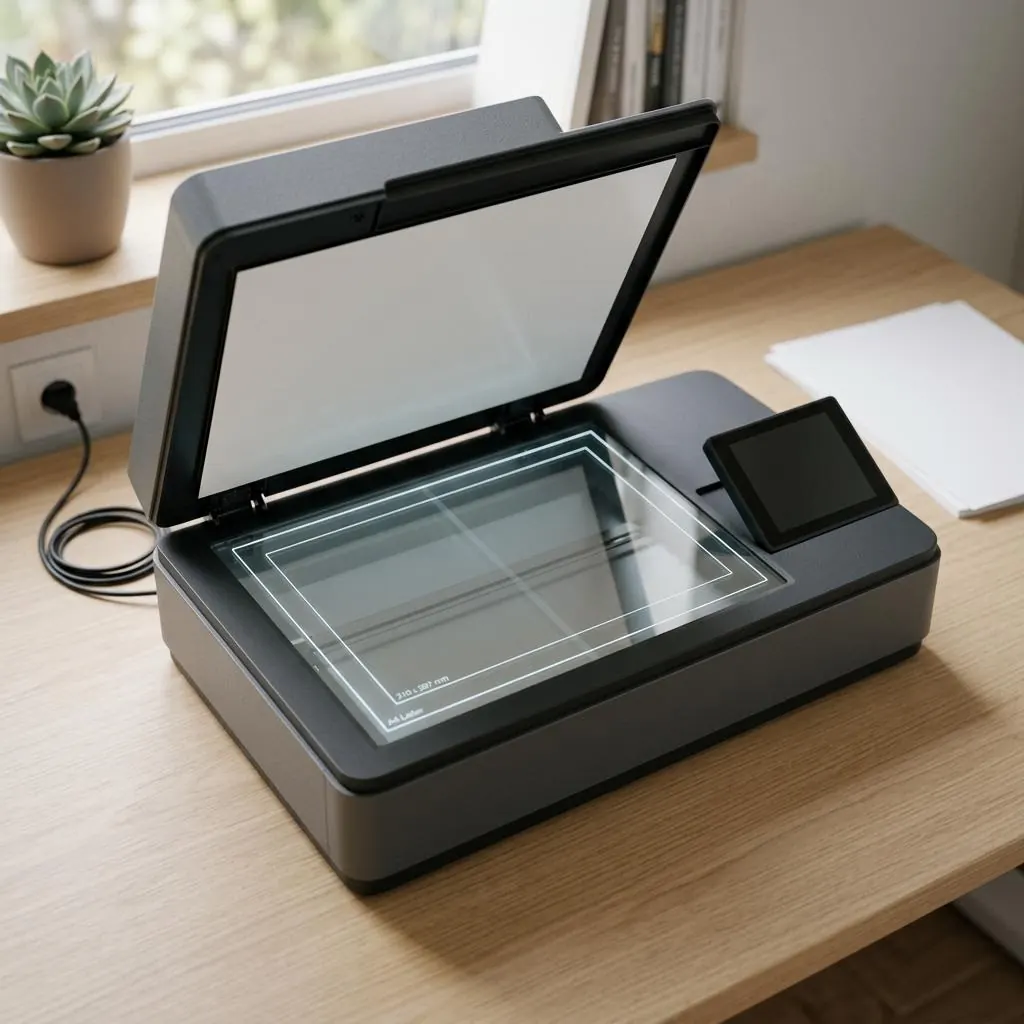
Software roles
Scanner software can include an acquisition component, an application layer, device discovery, configuration, or status services. Those roles should be distinguished from the printer renderer that sends print jobs to the device.
The boundaries become clearer around a multifunction machine. An acquisition component describes how image data leaves a flatbed or document feeder; an application can select that interface; a status service can report paper or cover state; and the print renderer handles a different stream in the opposite direction. One vendor catalog may place these items together, but proximity in a catalog does not merge their responsibilities.
Acquisition compatibility
Image acquisition depends on exact product identity, platform, connection, permissions, protocol, and the interface exposed by the package. A visible application name does not establish that every underlying acquisition component is present.
Model identity matters at the physical boundary as well. A flatbed scanner and an automatic document feeder can belong to one enclosure yet expose different capabilities, such as page size, color depth, or duplex capture. A USB path, network endpoint, or vendor interface may present those capabilities differently, so the package record should name the function and interface rather than rely on a short application label.
Shared device identity
A printer and scanner can share a physical enclosure and model record while presenting separate logical interfaces. The host may maintain distinct objects or package components for each function.
The shared shell is not shared ownership. Paper movement, ink or toner status, the print queue, the image sensor, and the feeder mechanism can produce different records with different lifecycles. A print component can describe a page renderer without describing image capture, while a scanner component can identify an acquisition endpoint without defining tray, color, or finishing behavior for printed output.
Scope of this entry
HP documentation defines product-specific software terminology, and host acquisition references explain image-device interfaces. This is a package reference only; it includes no scan instructions, workflows, diagnostic utility, or download link.
Read this entry as a map of roles and evidence: exact model, acquisition interface, connection path, package component, and declared capabilities. That vocabulary is useful when two records mention the same physical product but describe different functions. It also keeps a status service, an application, a scanner interface, and a printer renderer from being treated as interchangeable software.
Reference facts
- Possible roles
- Acquisition, application, discovery, configuration, and status
- Separate from
- Printer rendering and print-queue behavior
- Compatibility evidence
- Model, platform, connection, protocol, permissions, and package interface
Questions and answers
Is scanner software the same as an HP printer driver?
No. They can be related package components but expose different host functions.
Does this page describe how to scan?
No. It describes package and interface roles without a scanning workflow.