HP printer driver and software state reference
Independent educational content. Driver Atlas is not affiliated with or endorsed by HP. Product names and trademarks belong to their owners.
A vocabulary for package, queue, application, renderer, and connection states in the HP printer ecosystem.
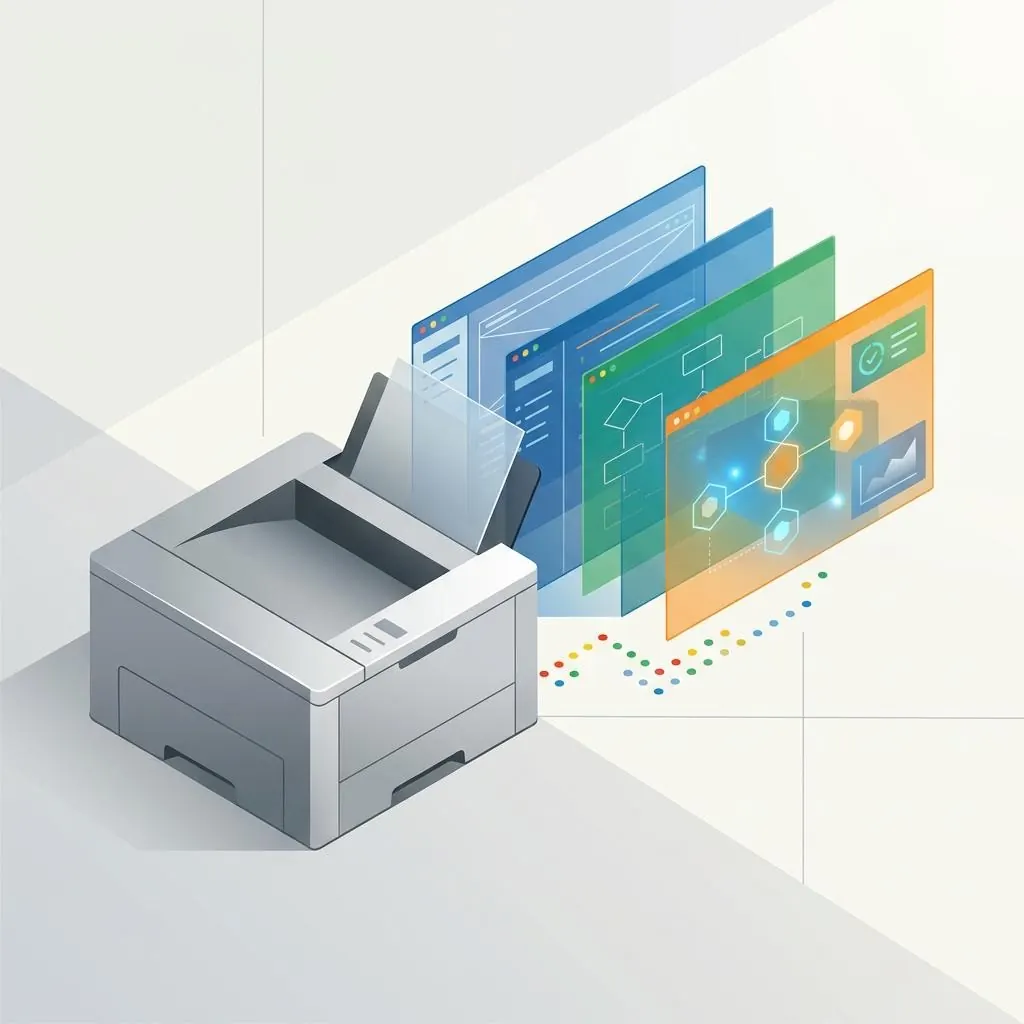
State belongs to a component
Installed, staged, associated, paused, unavailable, and retired are state words that need a subject. A package can be staged, a queue can be paused, a connection can be unavailable, and a device can report a status; the same adjective does not mean the same thing everywhere.
Software layers
HP printer software can include rendering, configuration, discovery, status, acquisition, or application components. Each layer can have its own version and lifecycle, so a software-state record should name the component rather than say only “the driver.”
Transitions and evidence
A state transition is meaningful when paired with a prior state, component identity, model, platform, interface, and relevant version metadata. A label without that context is a summary, not an explanation of cause.
Reference boundaries
HP and Microsoft documentation provide the vocabulary for product and host layers. This page does not offer a diagnostic tree, repair sequence, or recommendation to use a retired utility.
Reference facts
- State rule
- Every state label needs a named component
- Components
- Renderer, queue, port, discovery, status, acquisition, and application
- Transition evidence
- Prior state, identity, model, platform, interface, and version
Questions and answers
Is “installed” a complete printer state?
No. It can describe a package record while queue association, connection, renderer, or device state remains separate.
Does this page recommend HP Print and Scan Doctor?
No. The retired utility is not recommended; this page uses component-state vocabulary only.