HP wireless printer driver and network reference
Independent educational content. Driver Atlas is not affiliated with or endorsed by HP. Product names and trademarks belong to their owners.
How HP network discovery, wireless transport, print protocols, queues, and renderers fit together.
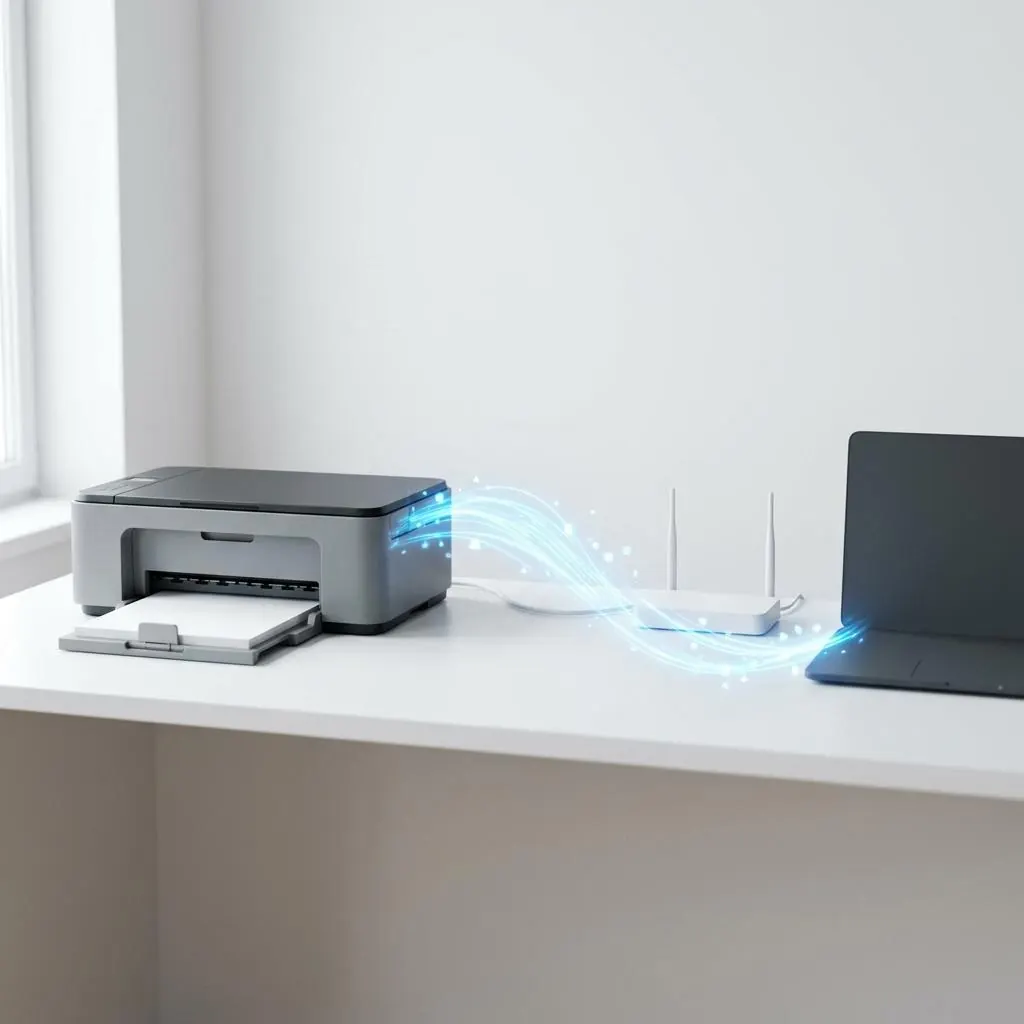
Wireless is only one layer
Wireless describes a network link. HP printer identity, discovery service, IP address, print protocol, queue, and renderer sit at different layers above or beside that link. A “wireless driver” label can therefore hide several separate components.
Discovery and endpoint records
A discovery service may advertise a printer name, address, and print service. The host then associates an endpoint with a queue and selected representation. A display name or address is not a substitute for the exact HP model identity.
Protocol-specific capability
The print protocol determines which job fields and capabilities travel across the network. A vendor component may add configuration or status vocabulary. Wireless reachability alone does not establish that the host can represent every device option.
Reference sources
HP documentation provides product and network terminology; Microsoft printing documentation explains queue and renderer boundaries. This page is descriptive and does not provide a connection procedure or a claim of successful setup.
Reference facts
- Layers
- Wireless link, discovery, address, protocol, queue, and renderer
- Identity
- Exact HP model plus endpoint and package metadata
- Capability
- Limited to the device and protocol representation
Questions and answers
Is the HP wireless driver responsible for Wi-Fi authentication?
Not necessarily. Wireless authentication belongs to the network layer; printer rendering and queue components belong to the print path.
Can two HP queues point to one physical endpoint?
They can represent different protocol or configuration relationships, so queue identity should not be assumed to equal physical-device identity.