HP printer and scan software reference
Independent educational content. Driver Atlas is not affiliated with or endorsed by HP. Product names and trademarks belong to their owners.
A dedicated overview of the HP print-and-scan software family, distinguishing print queues, scanner interfaces, utilities, and historical diagnostic software.
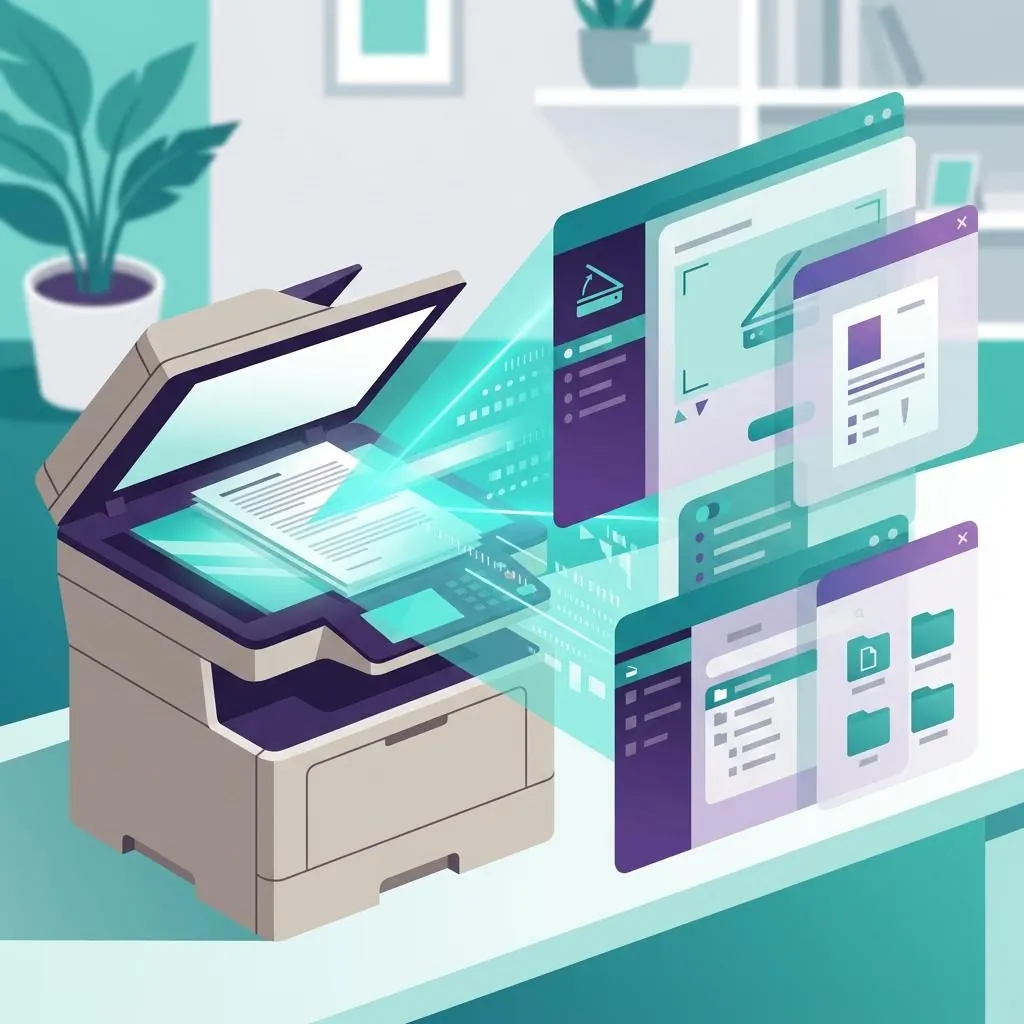
A multifunction product has multiple interfaces
Printing and scanning are separate host functions even when they share an HP multifunction device. A print queue receives rendered output through a printer interface, while scanning uses an image-acquisition interface and an application or service that can select that scanner. One successful function does not establish the state of the other.
Software roles in the print-and-scan family
The surrounding software can include a printer component, scanner acquisition component, setup or discovery utility, status service, and a user-facing application. Each role has a different relationship to the device and host. Describing the role first is more reliable than calling every item an HP driver.
Model and connection context
The complete multifunction model, print interface, and USB or network path determine which capabilities can be represented. A network discovery record can find a device without proving that the selected application has the intended scanner endpoint. Likewise, a working print queue can use a protocol that does not expose every scan or maintenance function.
Historical utilities and current boundaries
HP Print and Scan Doctor is retired software and is included only as historical vocabulary for the source subject. Current documentation should distinguish a retired diagnostic name from supported print, scan, setup, and status components. This page is a descriptive reference to those boundaries, not a procedure or a download directory.
Reference facts
- Distinct functions
- Print rendering and scanner image acquisition
- Adjacent roles
- Setup, discovery, status, and user-facing applications
- Historical note
- HP Print and Scan Doctor is retired context only
Questions and answers
Does a working HP print queue prove that scanning works?
No. The print queue and scanner interface can use separate components, endpoints, permissions, and applications. They should be recorded as separate capabilities.
Is HP Print and Scan Doctor a current software recommendation?
No. It is mentioned only as retired historical context. The relevant current source should be the exact model and package documentation for the function being described.
Further reading
- HP support documentation — external official source
- Microsoft Learn: Printer architecture — external official source
- HP printer and scan software ecosystem reference — A reference to HP printer and scanner software roles, with clear boundaries around retired diagnostic utilities.
- HP scanning software and package reference — The roles of HP scanner software, acquisition interfaces, applications, and printer package metadata.
- HP printer output behavior reference — How output behavior emerges from rendering, page description, queue settings, device capabilities, and physical media.
- HP printer driver and software state reference — A vocabulary for package, queue, application, renderer, and connection states in the HP printer ecosystem.
- HP printer connection state reference — How endpoint discovery, transport, queue association, and device status create distinct HP connection states.
- HP printer print-queue model reference — How an HP print queue orders jobs, stores host metadata, and relates to ports, renderers, and device status.