Graphics and display driver lifecycle
The graphics adapter, display stack, package, monitor, and runtime layers across a display-driver lifecycle.
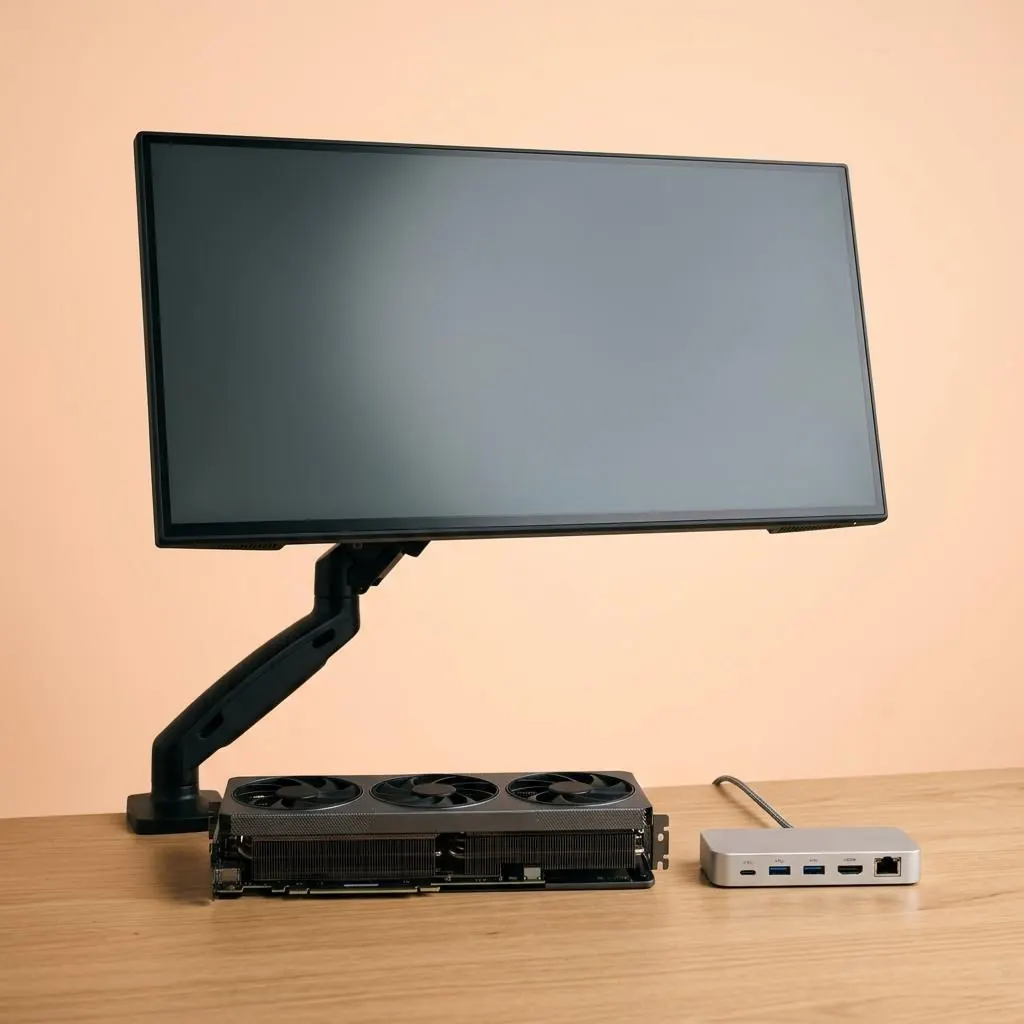
Graphics and display are related layers
A graphics adapter produces or schedules frames, while a display path carries timing and pixel data to a monitor or other sink. The graphics driver, display miniport or user-mode components, connector, monitor identity, and host mode model can each have separate roles.
Lifecycle begins with device identity
The host represents a GPU or display function through bus and hardware identifiers, then matches package declarations and establishes a runtime relationship. A monitor can also expose capability or identification data. Device, package, and monitor records are adjacent but not interchangeable.
Modes are negotiated descriptions
A display mode describes dimensions, timing, refresh behavior, color representation, and transport constraints at a particular boundary. The mode is a property of a graphics and display relationship, not a complete description of a driver package or physical panel.
Package history is not frame history
Package selection, activation, display detection, mode enumeration, frame scheduling, and presentation have different owners. A version field can identify a component while a display state describes a runtime path. Reading each record by its owner keeps the lifecycle precise.
Reference facts
- Core layers
- GPU, graphics driver, display path, monitor, mode, and presentation
- Identity records
- Hardware, package, connector, monitor, and capability data
- Runtime boundary
- Mode, frame, and presentation state are distinct from package identity
Questions and answers
Is the graphics driver the same as a monitor driver?
No. Graphics components manage the adapter and display pipeline, while monitor records describe a display sink and its capabilities.
Does a display mode identify the monitor model?
No. It describes a selected timing and pixel representation within a graphics-display relationship.
Can a monitor be represented without a custom package?
Some displays can use generic display behavior; the relevant package and identification records define the relationship.
Further reading
- Microsoft Learn: Display drivers — external official source
- Microsoft Learn: Monitor INF files — external official source
- Graphics driver package lifecycle — How graphics packages describe adapters, display components, trust records, and runtime activation.
- Laptop integrated and discrete graphics reference — How integrated and discrete graphics functions can coexist with display outputs, memory, power, and package boundaries.
- Graphics driver update state reference — The candidate, selected, staged, active, and display-path states that can surround a graphics package transition.