Graphics driver package lifecycle
How graphics packages describe adapters, display components, trust records, and runtime activation.
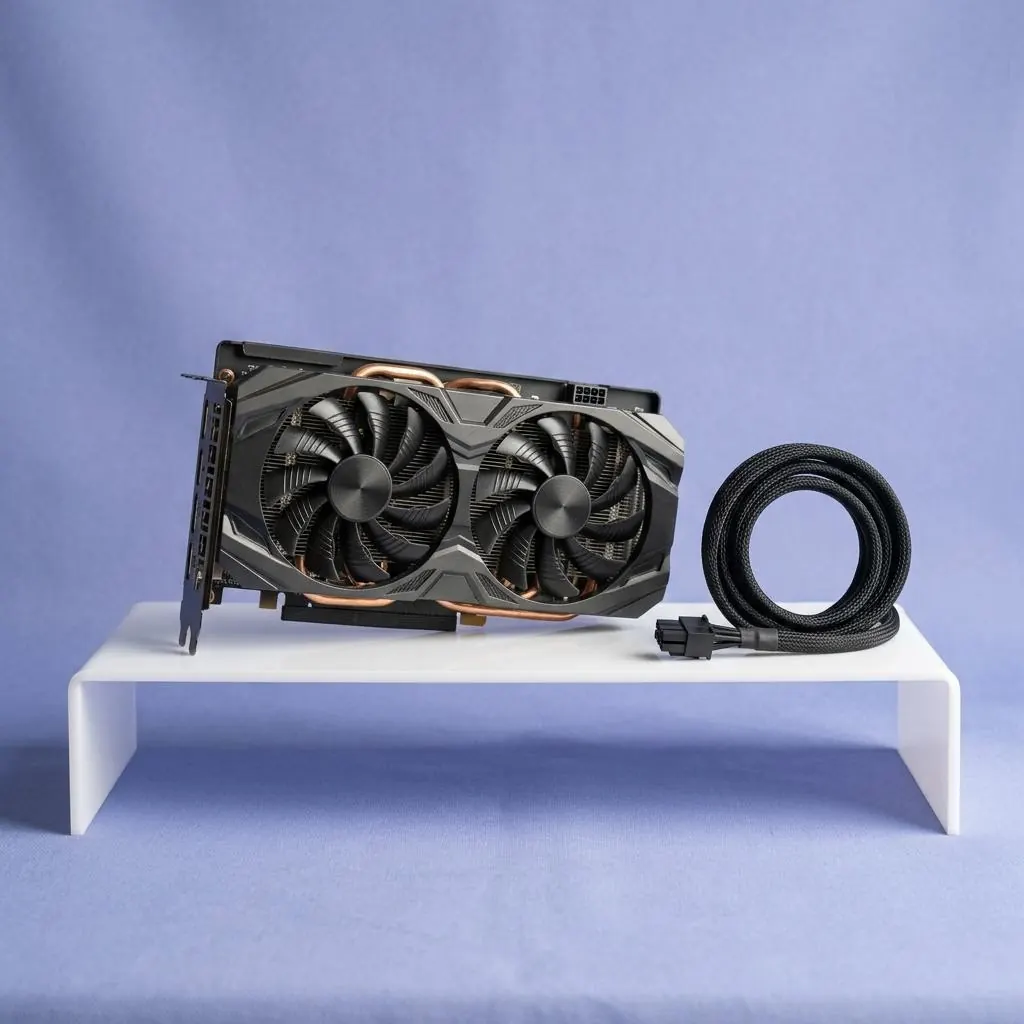
A graphics package is a collection
A display package can include kernel-mode or user-mode components, installation metadata, catalogs, services, control-plane interfaces, and related files. The package is a published relationship for a device and hardware context, not synonymous with one graphics binary or the monitor itself.
Matching uses adapter and hardware identity
Package declarations can cover GPU identifiers, architecture, hardware contracts, feature levels, and component relationships. A family name or generation label is not a complete match. Package selection uses the declarations it can see.
Activation has multiple pieces
Graphics runtime components, display paths, memory management, mode enumeration, and presentation interfaces can have different activation boundaries. A package may be selected while a display path or monitor capability record is represented separately.
Trust and version fields have scope
Catalog signatures, package versions, file versions, and release notes describe publishing and identity. They do not automatically promise a particular frame rate, visual result, or compatibility with every display configuration.
Reference facts
- Package contents
- Driver components, metadata, catalogs, services, and related files
- Matching inputs
- GPU identity, architecture, hardware, and component contracts
- Runtime layers
- Graphics, memory, display path, mode, and presentation interfaces
Questions and answers
Is a graphics package one executable?
No. A package can contain multiple components, metadata, catalogs, services, and files with different runtime roles.
Does a GPU family name determine package compatibility?
No. Device identifiers, architecture, hardware context, and package declarations define the relevant boundary.
Does a package version promise display performance?
No. Version fields identify a release record; they are not performance guarantees.