Epson printer utility reference
Independent educational content. Driver Atlas is not affiliated with or endorsed by Epson. Product names and trademarks belong to their owners.
The difference between Epson utilities, printer renderers, status components, and host queues.
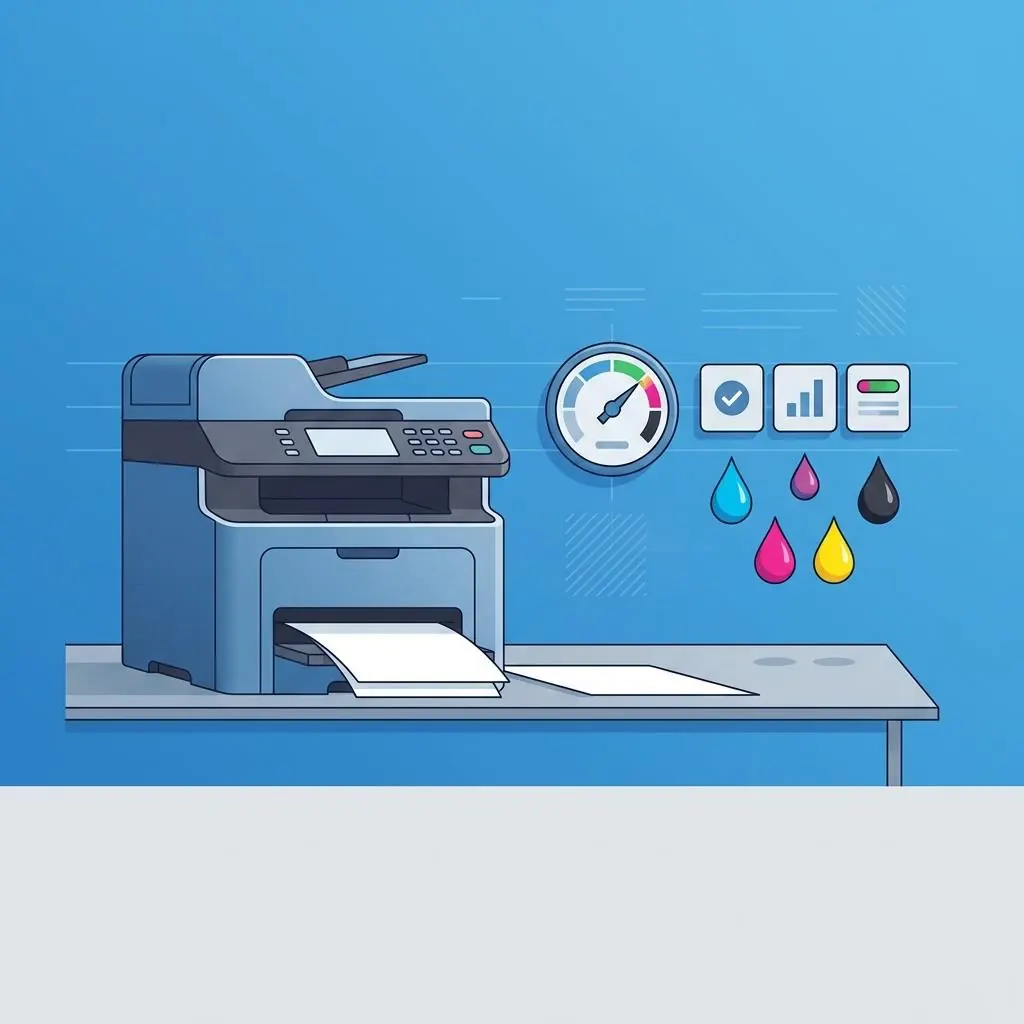
Utility is a role, not a package guarantee
A printer utility is generally an application or service layer for configuration, status, maintenance information, discovery, or device management. It is not automatically the same component as the print renderer or queue.
Interfaces around a utility
A utility can communicate with a device through a local or network interface while the queue sends rendered jobs through a print protocol. The two paths can share product identity but have different permissions, version records, and capability vocabularies.
Model and platform context
Epson utility compatibility depends on exact model, host platform, architecture, transport, and declared utility role. A utility name without those fields is not a complete package identity.
Documentation boundaries
Epson documentation is the authority for product utility terminology. This page describes software roles without linking to a utility, directing a download, providing a maintenance procedure, or promising an effect.
Reference facts
- Utility roles
- Configuration, status, discovery, management, or device information
- Separate component
- Print renderer and queue remain distinct layers
- Compatibility evidence
- Model, platform, architecture, transport, and declared role
Questions and answers
Is an Epson utility a printer driver?
Not necessarily. A utility can provide configuration or status while a driver participates in rendering.
Can a utility and print queue use different protocols?
Yes. Device-management and printing are distinct application or host interfaces.