Epson scanner package and software compatibility reference
Independent educational content. Driver Atlas is not affiliated with or endorsed by Epson. Product names and trademarks belong to their owners.
How Epson print packages, scanner acquisition interfaces, applications, and model declarations differ.
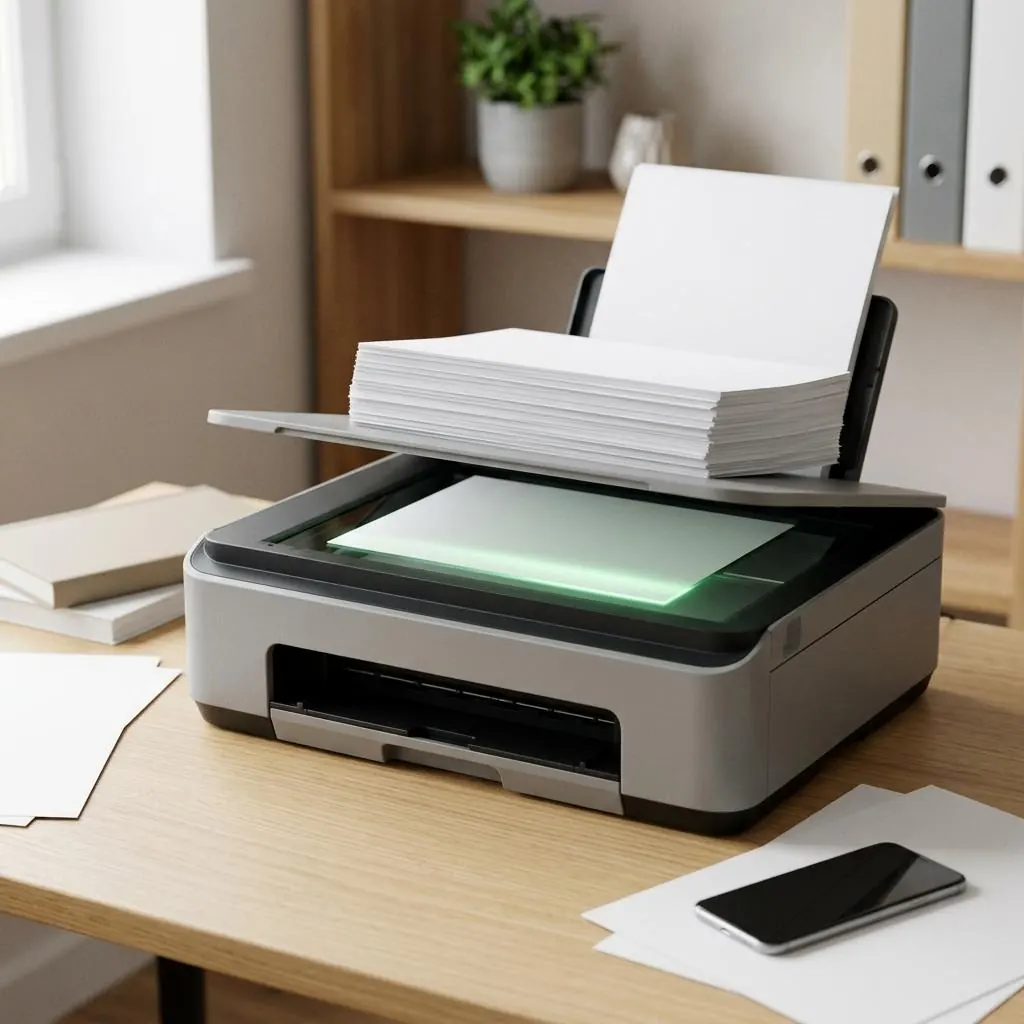
One product, several interfaces
An Epson multifunction product can expose print rendering and image acquisition as separate logical functions. A shared model name does not imply that one driver, application, or protocol represents both functions.
Package roles
Scanner acquisition, printer rendering, configuration, discovery, and status can be separate components in a product ecosystem. Compatibility should name the function, exact model, platform, connection, architecture, and interface represented by each component.
Host-side acquisition
A host acquisition interface provides one model for image devices. Epson software can also provide product-specific layers. A printer queue confirms a print representation, not necessarily an acquisition relationship.
Reference limits
Epson documentation defines product terminology and declared package roles; this entry uses neutral host-interface vocabulary. It does not describe image-capture workflows, scanning steps, or a software download.
Reference facts
- Distinct functions
- Print rendering, scanner acquisition, configuration, and status
- Compatibility evidence
- Function, model, platform, architecture, connection, and interface
- Host model
- A host-side image-acquisition vocabulary
Questions and answers
Does an Epson printer package prove scanner compatibility?
No. The print and acquisition interfaces can have different package components and declarations.
Does this reference describe Epson scanning steps?
No. It is limited to package roles and compatibility concepts.