Laptop keyboard and touchpad driver reference
How internal input devices, embedded controllers, HID reports, class layers, and platform services meet in a laptop.
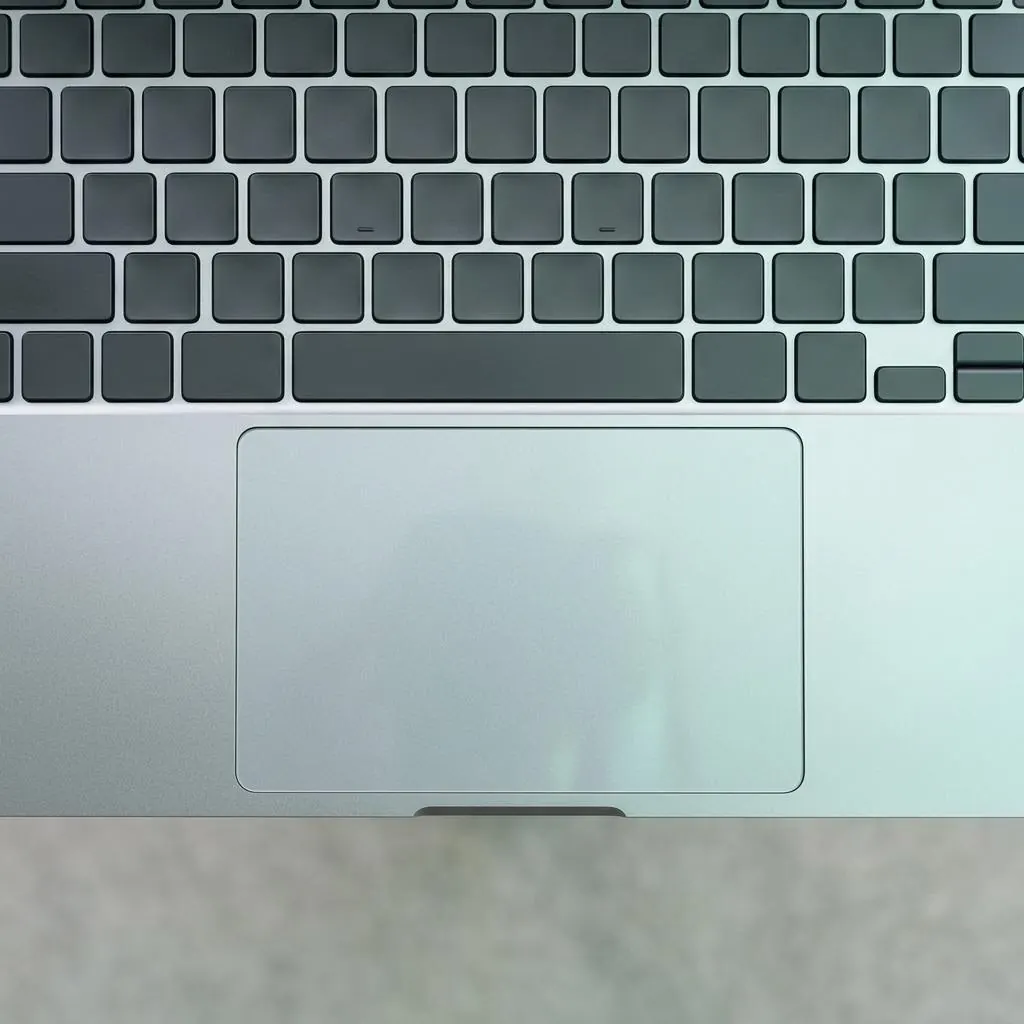
Internal input has platform context
A laptop keyboard or touchpad can communicate through an embedded controller, a HID interface, a bus device, or platform-specific firmware. The physical input surface is one part of a chain that includes reports, class behavior, and host input events.
Keyboard and touchpad are distinct functions
A keyboard reports keys and controls, while a touchpad reports coordinates, buttons, gestures, or other pointing data. They can share a controller or package while retaining different interface contracts. A laptop input package may therefore contain several related roles.
Reports become logical events
HID or platform reports describe fields that the host interprets. The input stack then publishes logical key or pointer events to applications. Report format, class driver, vendor service, and application event are different layers of the translation.
Lifecycle records are not user behavior
Enumeration, matching, package selection, service activation, and input delivery describe software state. They do not describe how a person uses the keyboard or touchpad, and they should not be inferred from a friendly device label alone.
Reference facts
- Possible transports
- Embedded controller, HID, bus, and platform firmware interfaces
- Functions
- Keys, buttons, coordinates, gestures, and other controls
- Software layers
- Report, class, vendor service, and logical event
Questions and answers
Are the keyboard and touchpad always separate devices?
They can be represented separately or coordinated through a shared controller and platform package.
Does a touchpad report gestures directly to every application?
It reports device fields; the host input stack and higher layers interpret those fields into logical pointer or gesture behavior.
Is the embedded controller the input driver?
It is a hardware or firmware component in some designs. Host drivers and input layers represent its interfaces to applications.
Further reading
- Microsoft Learn: Human Interface Devices — external official source
- Microsoft Learn: Plug and Play — external official source
- Microsoft Learn: Overview of device and driver installation — external official source
- Laptop keyboard-driver identification reference — How to distinguish a laptop keyboard’s physical surface, controller, interface, package, and logical input identity.
- Laptop keyboard package lifecycle — The package, report, class, service, and platform layers that can participate in an internal keyboard lifecycle.
- Laptop keyboard post-update state reference — How keyboard package records, input interfaces, platform services, and logical events can differ after a transition.
- Laptop touchpad driver state reference — A conceptual map of touchpad reports, controller identity, gesture layers, and host-software pointer state.