Epson printer driver lifecycle reference
Independent educational content. Driver Atlas is not affiliated with or endorsed by Epson. Product names and trademarks belong to their owners.
How Epson package identity, staging, queue association, capability exposure, replacement, and retirement fit together.
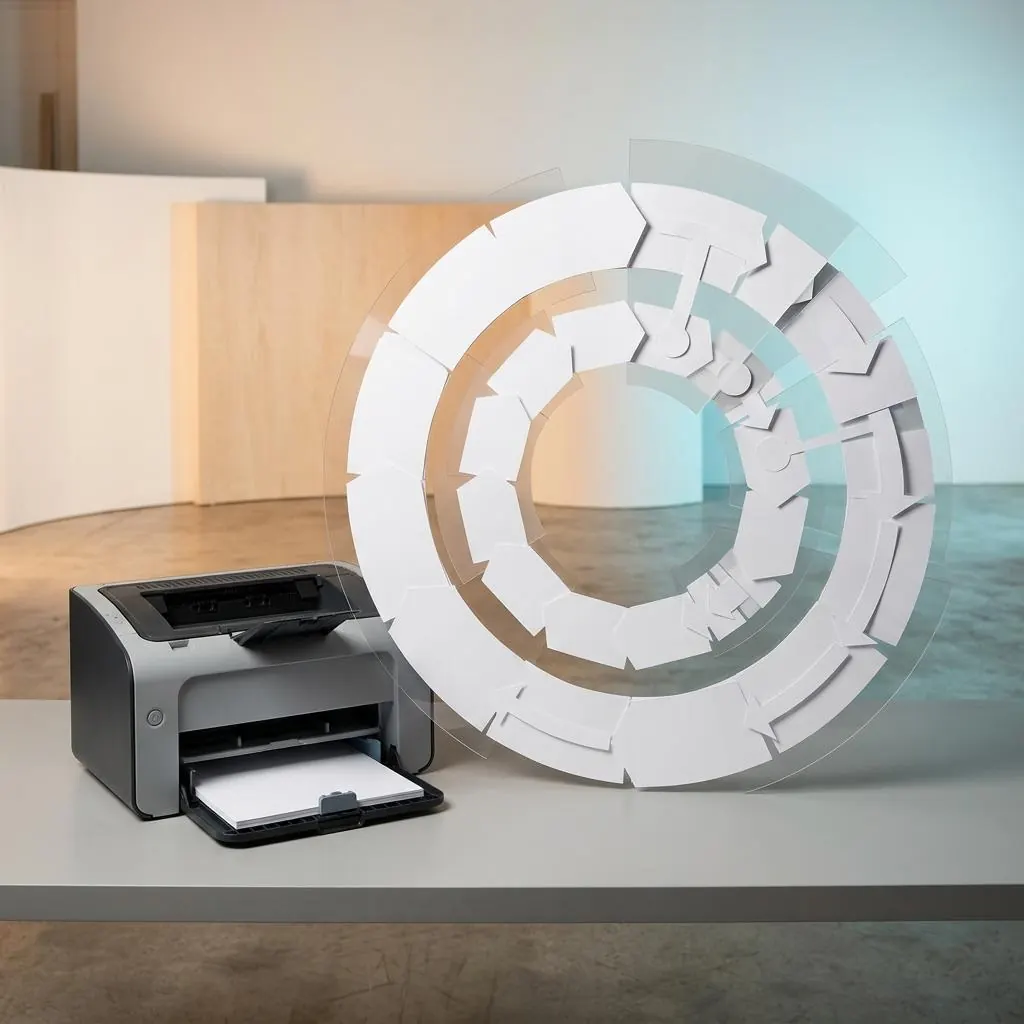
Identity and staging
An Epson package lifecycle begins with model, platform, architecture, protocol, publisher, and version identity. Staging records package artifacts in a host store; it does not by itself associate those artifacts with a queue.
Association and rendering
Association connects the package or class path to a queue and port. Rendering then translates a job into the representation understood by the selected device interface. Configuration and status components can have separate lifecycle records.
Versions and capabilities
A version transition can change metadata, catalogs, binaries, signing, or declared capabilities. Read those fields with the exact Epson model and protocol rather than treating a higher number as proof of suitability.
Retirement and history
Retirement records the end of a package’s supported role. A durable reference keeps the prior identity and transition context where documented without claiming that a package change alters the physical product.
Reference facts
- Phases
- Identity, staging, association, rendering, transition, retirement
- Host objects
- Package store, queue, port, renderer, configuration, status
- Comparison rule
- Version requires model, protocol, platform, and component context
Questions and answers
Does staging mean the Epson package is active?
No. Staging and queue association are separate host relationships.
Does retirement describe the printer itself?
No. It describes the support lifecycle of a host package relationship.